ACO
Joining the ACO.
We check out limited drops for you with the accounts and profiles you add. It's free to join; a fee applies only to orders that go through.
1. Apply
- Apply on Whop and answer a few short questions.
- Sign in here with the same Whop account, or with Discord and link Whop after.
- Join our Discord. That's where we verify you and where release news goes out.
2. Get verified
Our team looks over every application. Once you're verified, you get the ACO Member role in Discord and the ACO opens up in your dashboard. Until then you'll see a short page saying where you are.
Verification keeps the ACO fair for everyone.
3. Add what we check out with
- Accounts: a login for each store you want us to run. Paste a list if you have a lot.
- Profiles: a shipping address and a card each, or import your bot's file. See ACO profiles and accounts.
- Inboxes: the email the stores write to, so we can see what each order cost and where it is. See Connect your inbox.
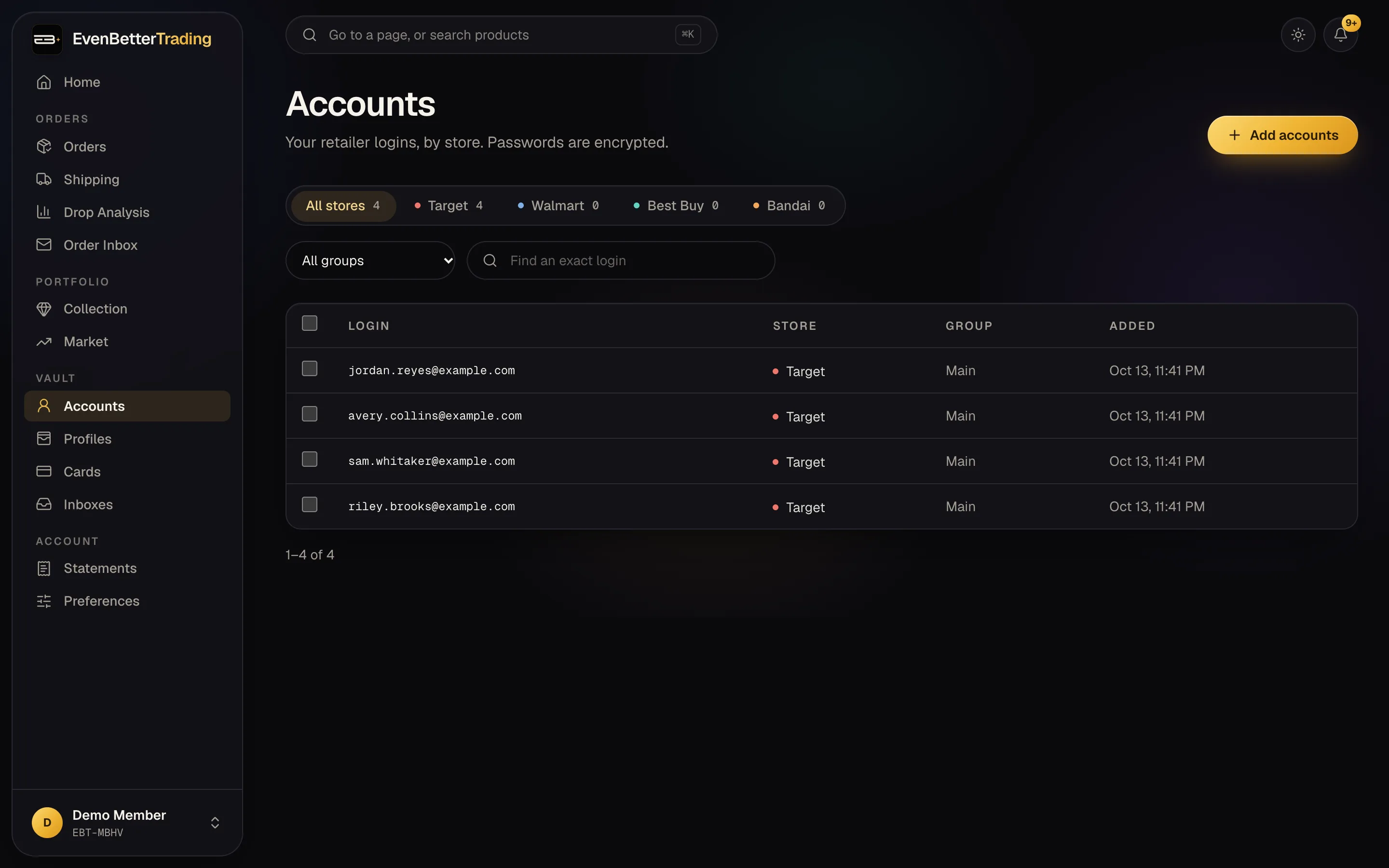
4. Release day
We run your profiles on the drops we take on. You get a Discord DM the moment each order confirms, and every order shows up on Orders with its packages and what it's worth.
Add your billing email in Settings so we can invoice you. See Fees, invoices and credits.