Desktop app
The desktop app.
Everything on the website, plus a vault for your profiles, cards and accounts that lives on your computer, and tools for release day. Included with Pro.
Install
- Mac (Apple Silicon and Intel): open the download and drag EvenBetterTrading into Applications.
- Windows: run the installer.
Download it from the download page while signed in. The desktop app is in private beta for now, open to members with the Beta role in our Discord. If your camera is plugged in, the app asks for access the first time you scan.
Sign in
- Open the app and press Sign in. Your browser opens.
- Continue with Discord or Whop, the same way as on the website, and confirm.
- You're sent back to the app, signed in.
The first time, a short welcome walks you through bringing in profiles, connecting inboxes and setting up a backup. You can see it again from Settings. The vault works even when you're signed out or offline.
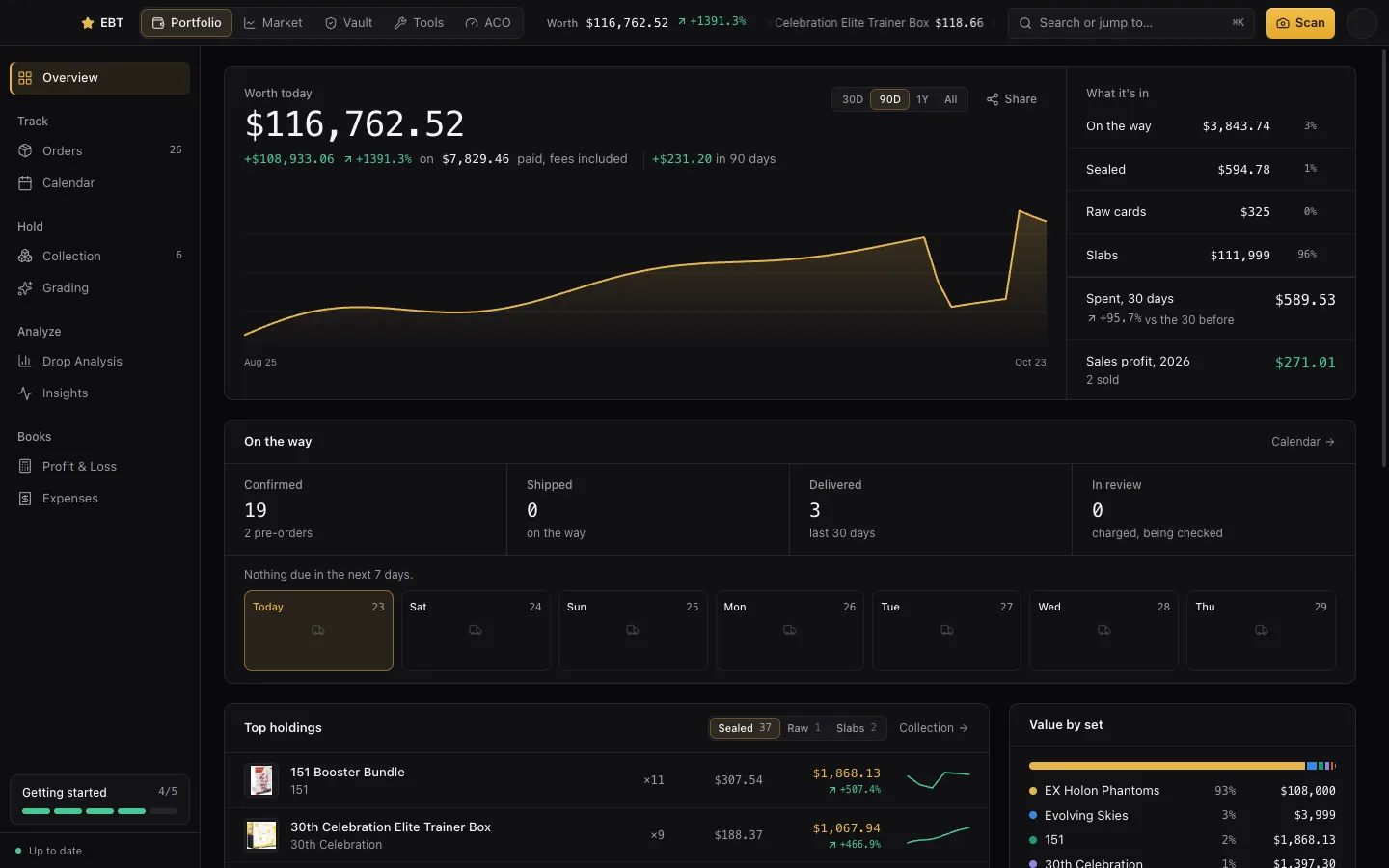
Bring in past orders
New here, or connecting an inbox for the first time? Open Orders and press Bring in past orders.
- From your inbox: pick how far back to look, 30 days, 90 days, this year or a date, and press Find my orders. Paid plans go back up to a year. Mail we've already read is never read twice, so you can run it again safely.
- From a spreadsheet: pick a CSV or Excel file, such as an export from another tool. You'll see what will be added and what's skipped before anything is saved. There's a template to download if you're starting from scratch.
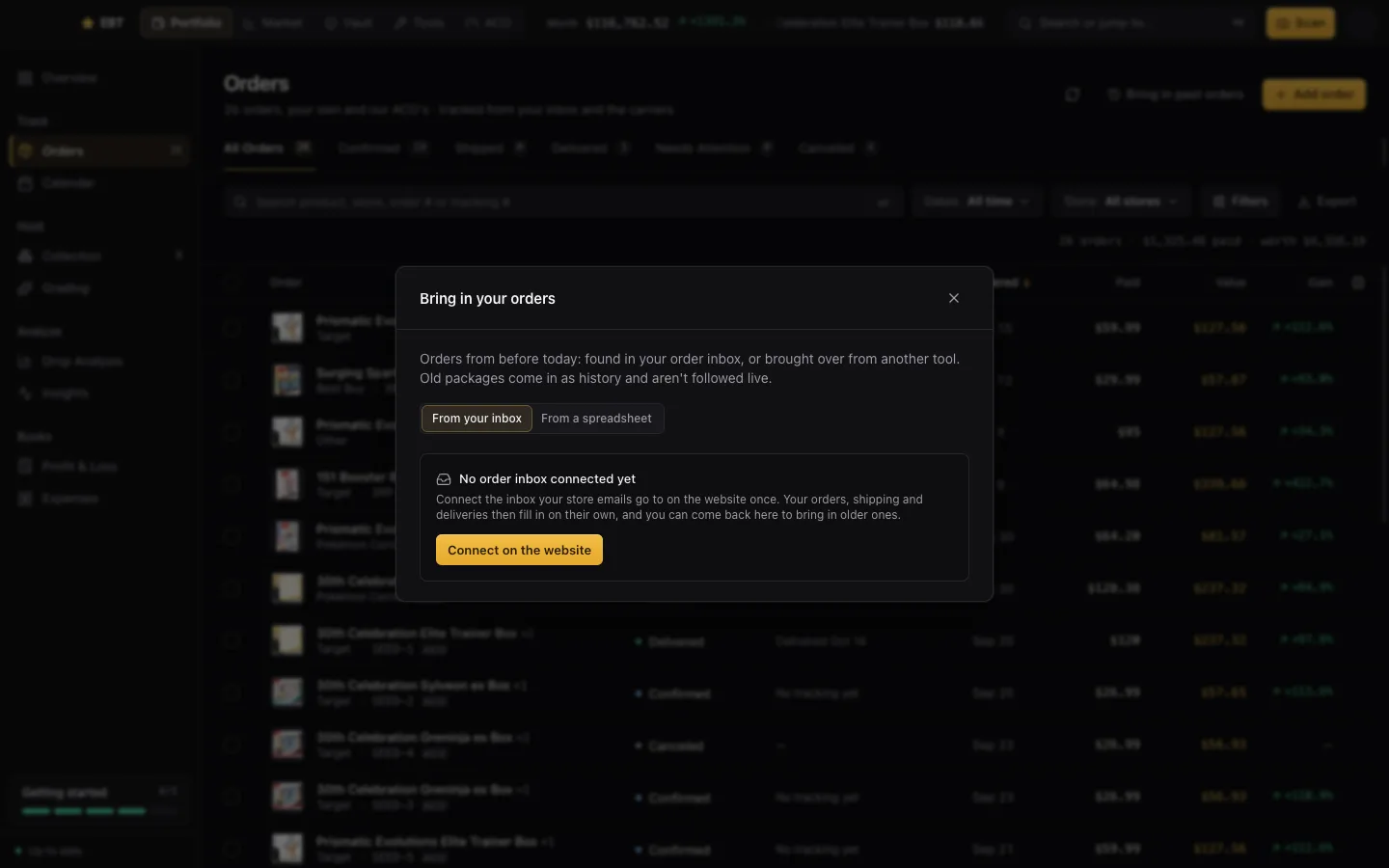
Back up your vault
Your vault is only on your computer. To move it to a new computer, or keep it safe, open Settings → Vault backup.
- Choose a passphrase. It seals the backup before it leaves your computer, and we can't open it or recover it if you forget it.
- Back up now keeps it on your account; Save a backup file keeps a copy wherever you like.
- Tick “Remember on this computer” and turn on Back up every day to never think about it again.
- On a new computer, sign in and use Restore. What's already there is kept; only what's missing is added.
Updates
The app checks for a new version when it opens and every few hours, downloads it in the background, and asks you to restart when it's ready. Settings shows what's new in it. Every update is also posted in #changelog in our Discord.
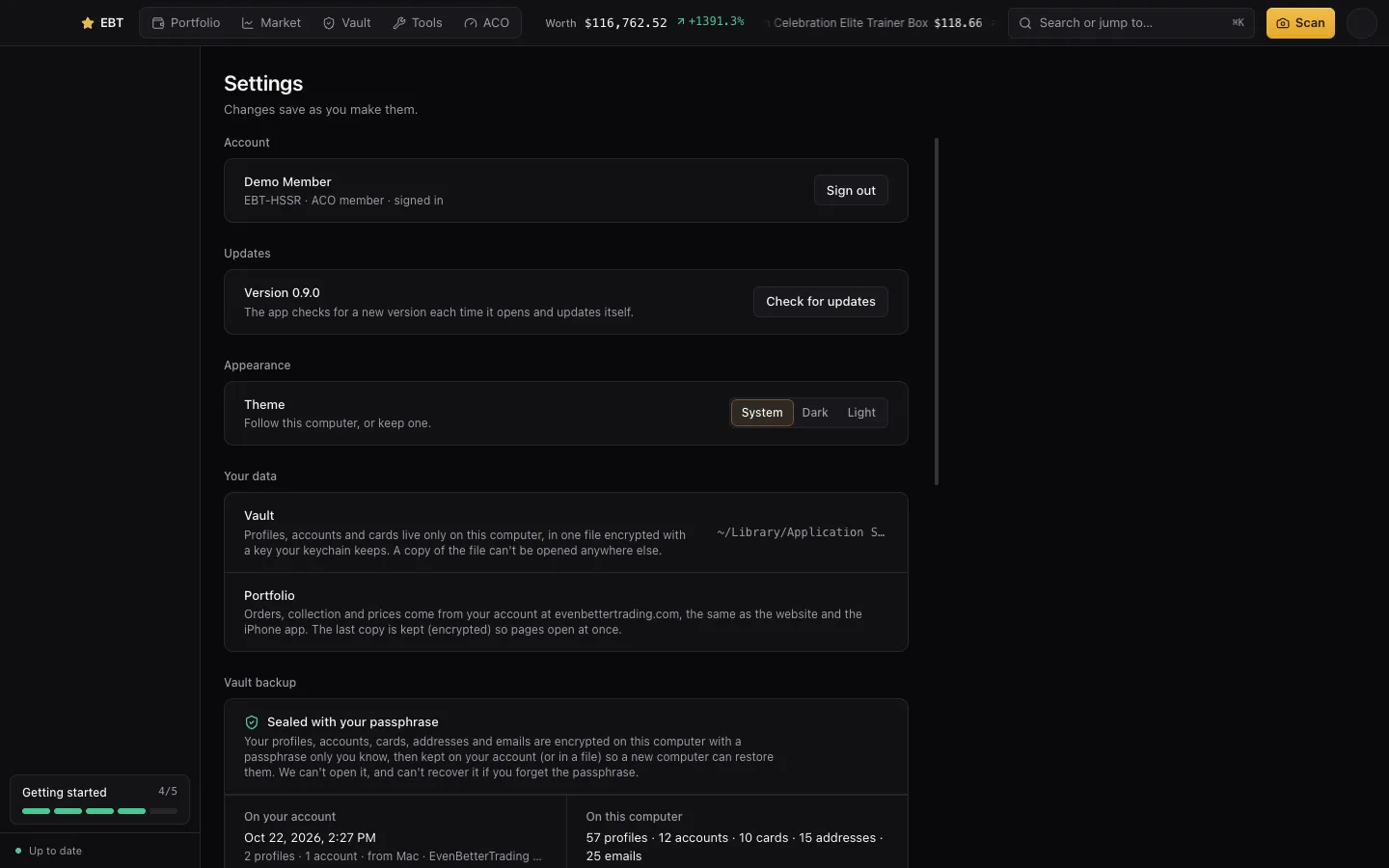
In the app, Profit & Loss, Expenses, Drop Analysis and Insights are part of Pro. On Collector they show what Pro includes.