ACO
Notifications.
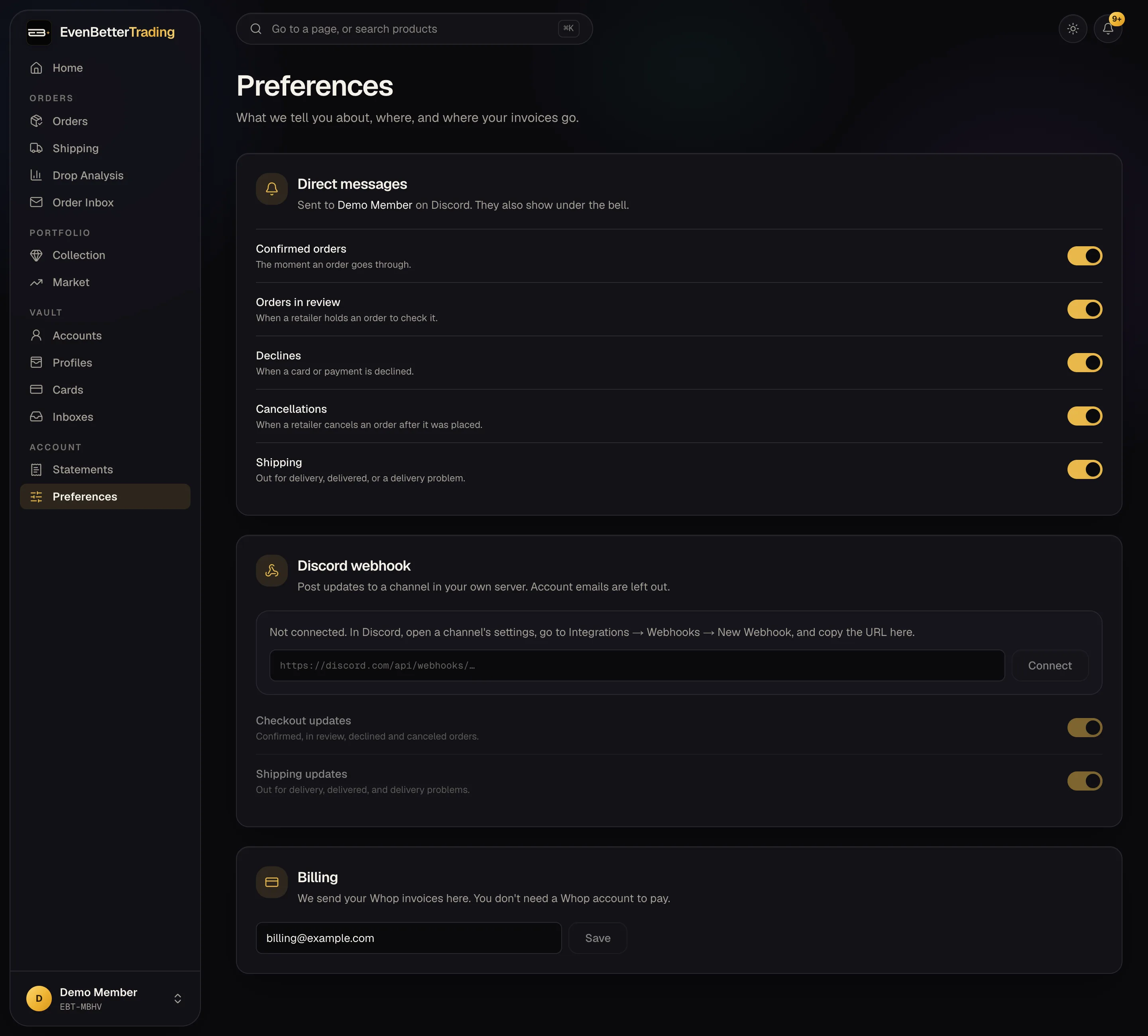
You'll hear from us in three places. Pick what you want in each under Settings.
Discord DMs
Our bot DMs you when an order is confirmed, held for review, declined or canceled, and when a box is out for delivery or delivered. Each kind has its own switch in Settings.
DMs only reach you if you allow messages from members of our server (Server settings → Privacy).
The bell
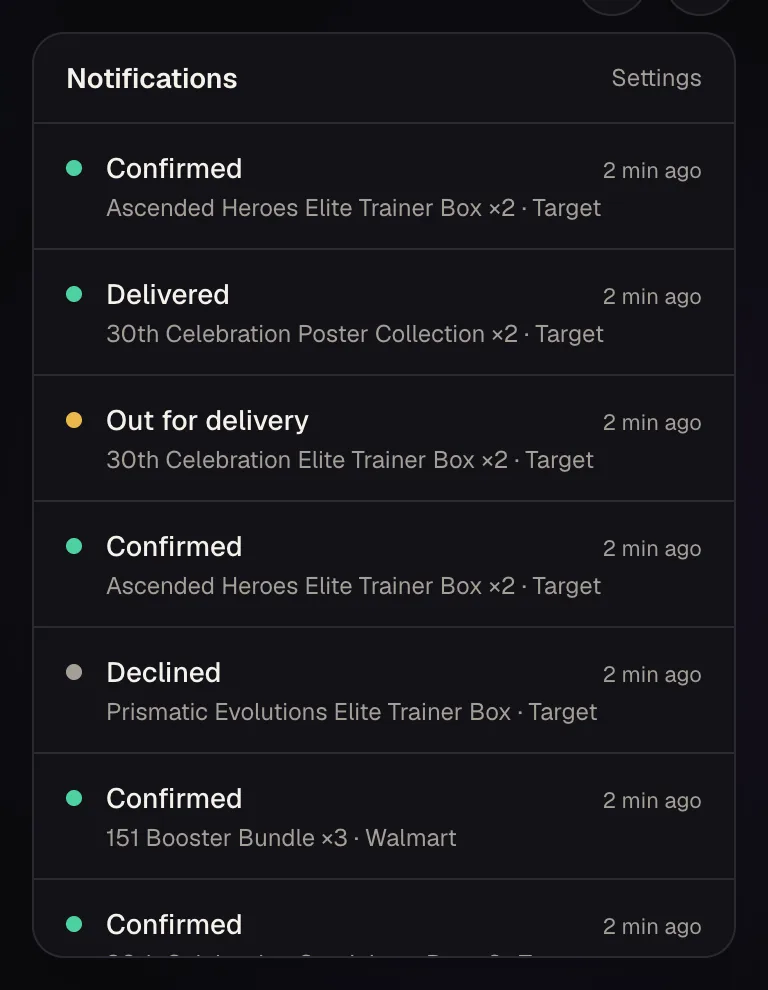
The bell at the top of the dashboard keeps your latest updates, whether or not you get DMs.
Your own server
Send updates to a channel in your own Discord, which is good for a team or for keeping a log.
- In Discord, open the channel's settings, then Integrations, then Webhooks, then New Webhook.
- Copy the webhook URL and paste it under Discord webhook in Settings.
- Pick checkout updates, shipping updates, or both, then press Send a test.
- Your retailer account emails are never included in these posts.
- Treat the webhook URL like a password: anyone who has it can post in that channel.