Desktop app
Profiles, cards and accounts.
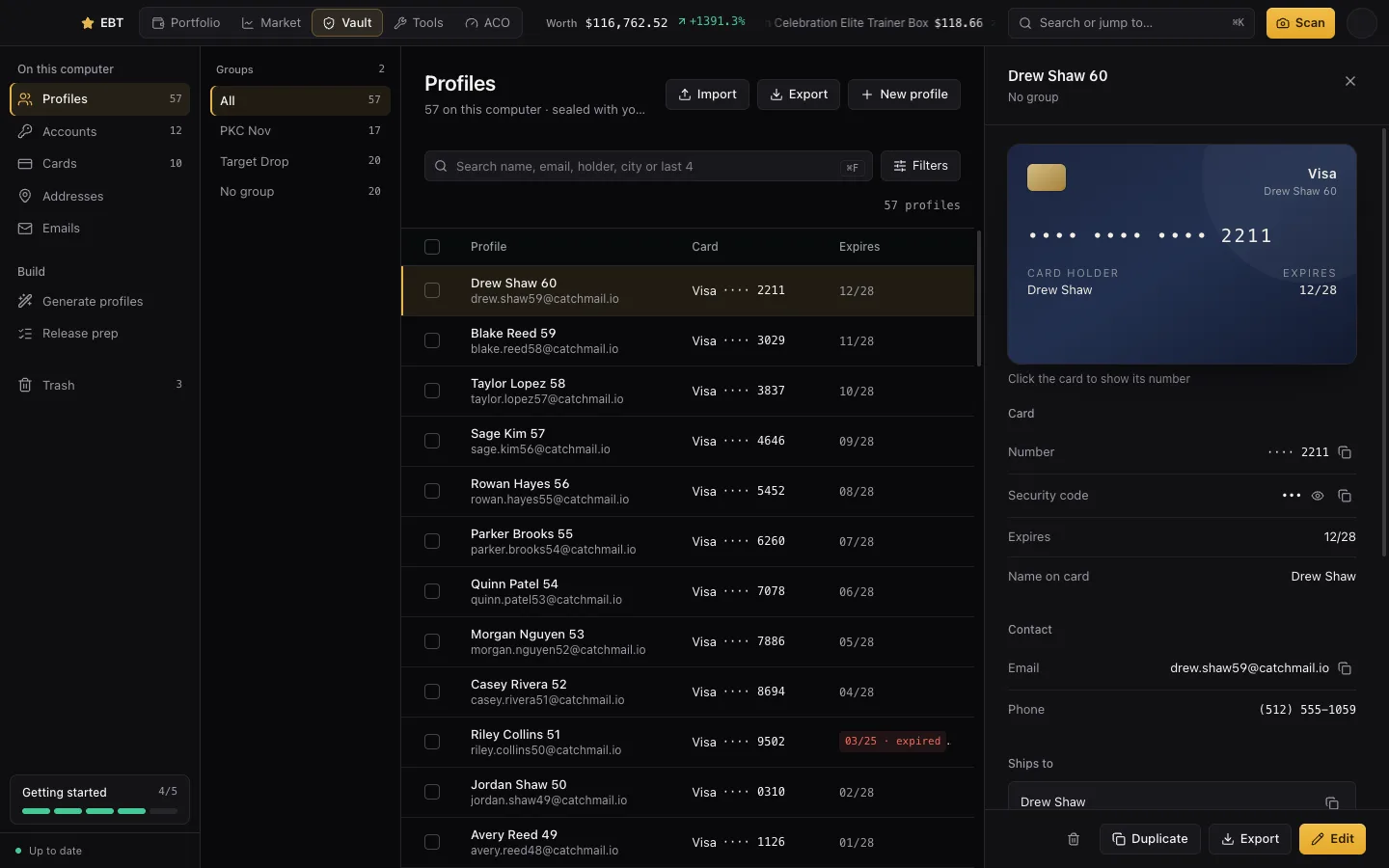
Every profile, card, retailer account, address and email you run, in one vault on your computer. Encrypted, and never sent anywhere unless you back it up.
What's in the vault
- Profiles: a name, shipping and billing address, phone, email and card, the way your bot uses them.
- Accounts: your retailer logins, by store.
- Cards, Addresses and Emails: each on their own, so you can see which profiles share what.
Group anything (“PKC Nov”, “Target A”), filter, search and edit in place. Card numbers stay hidden until you press reveal or copy.
The vault is encrypted with a key your computer's keychain keeps. A copy of the file can't be opened on another computer. To move it, use a vault backup.
Importing
Press Import on Profiles and drop in your bot's export. HayhaAIO, Shikari, Refract and Valor files work as they are, or fill in our template. You'll see what's new and what's already there before anything is saved.
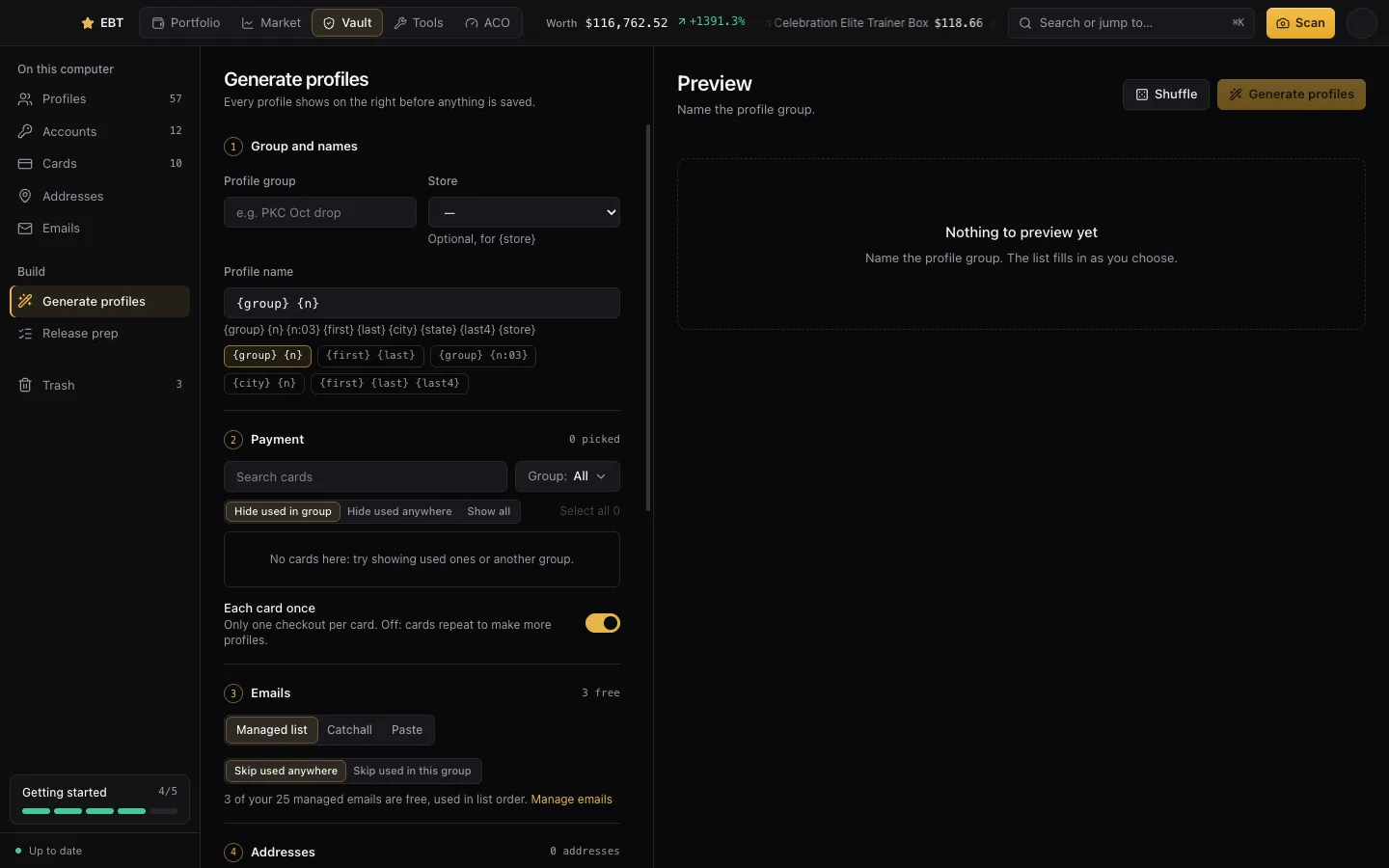
Creating profiles in bulk
- Open Generate profiles.
- Pick a group and store, the cards to use, the addresses, and how many profiles per address.
- For emails, use your saved ones or make them on your own domain from a pattern.
- Pick a jig for the addresses (below), preview the profiles, and save.
Address jigging
A jig writes one real address many ways, so a store doesn't see the same address on every order, while the carrier still brings every package to the same door. The house number, city, state and ZIP never change.
- Retail standard: a different spelling of the street type (Ave, Avenue) and unit word (Apt, Unit, #).
- Target and Pokémon Center: presets for how those stores compare addresses.
- General: everything mild at once.
- Aggressive: every change at once. Check a few before you use them.
Before a drop, Release prep checks that no address, card or email is used more than you want.
Trash and undo
Anything you delete goes to Trash for 30 days, and every delete has an Undo. Restore it, or delete it for good. After 30 days it's gone.